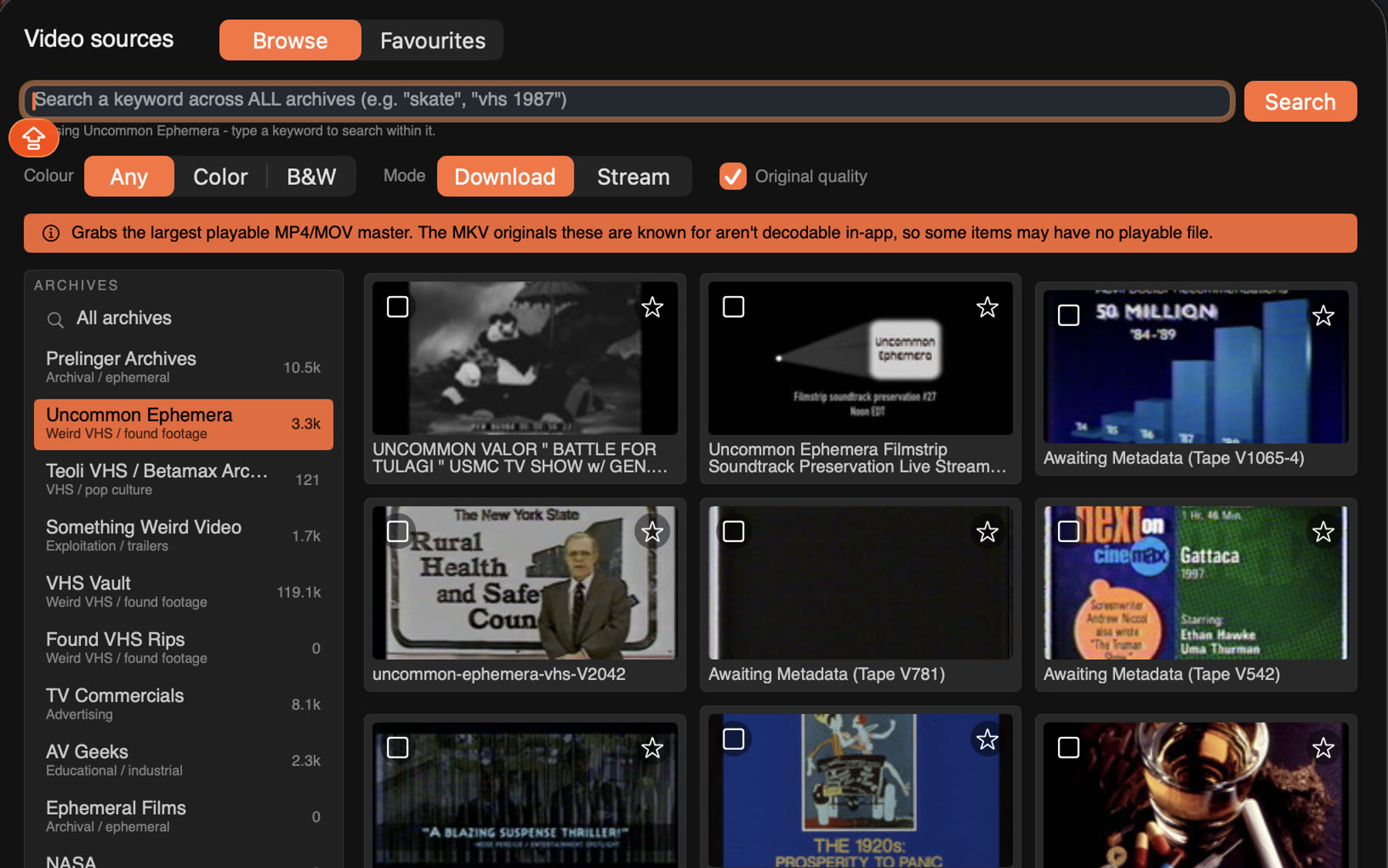
01 · Sources
Dig through archive.org
Bring your own video, or search the archive.org catalogue right from the app and load tapes straight in. Can't decide? Add random.

Seven things it does, in the order you'll use them.
Bring your own video, or search the archive.org catalogue right from the app and load tapes straight in. Can't decide? Add random.
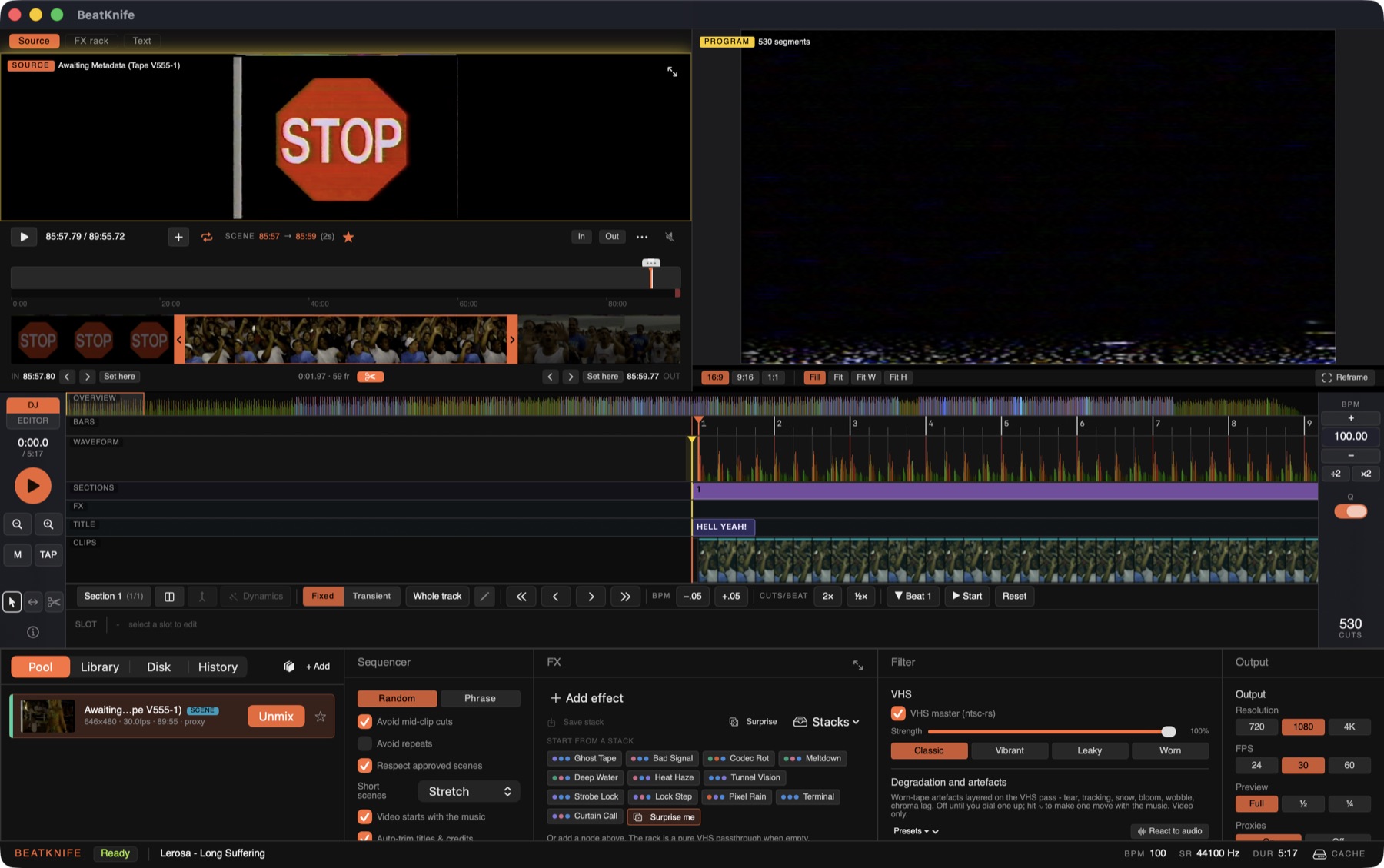
Trim the best seconds of any tape into scenes, star the footage you love, tag it so the sequencer knows what to pull.
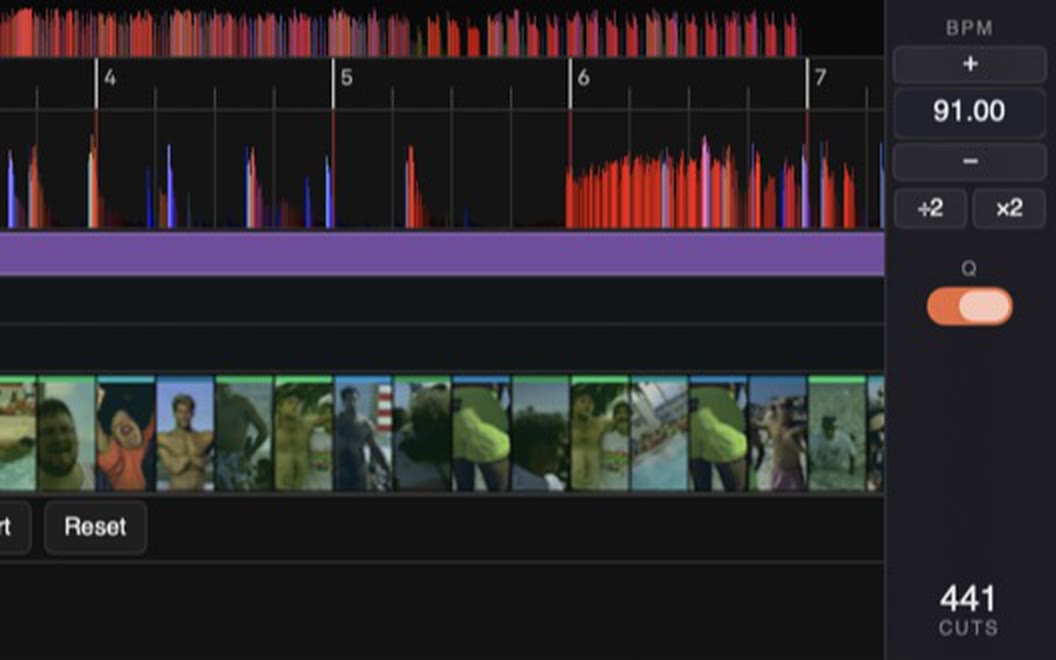
Drop a track and it finds the tempo, the downbeats and the transients, like your DJ software would. Cut to the drums or follow the melody. Tap or nudge when it's off.
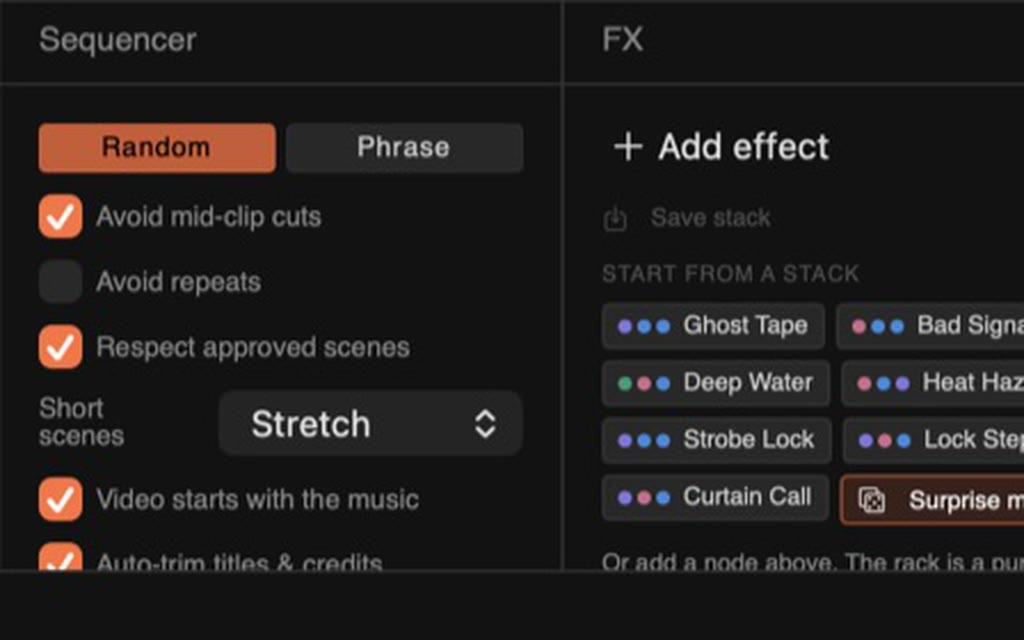
The sequencer deals scenes into every slot of the track in under a second. Hate a cut? Reroll it. Love one? Keep it.
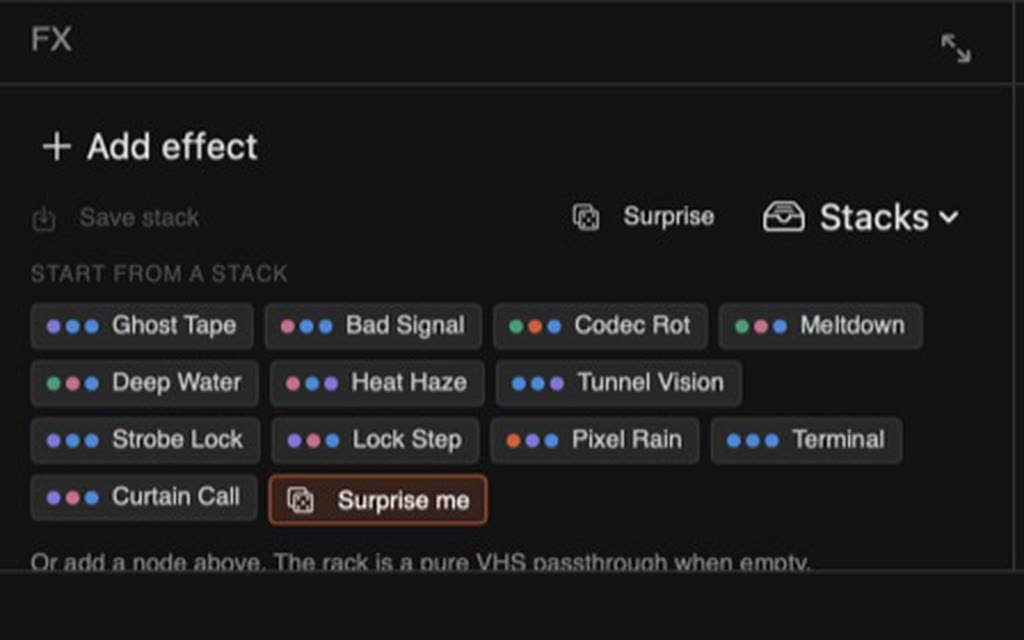
Effects, filters and mutations. Stack them, fire them every slot or every bar, or hit Surprise me.
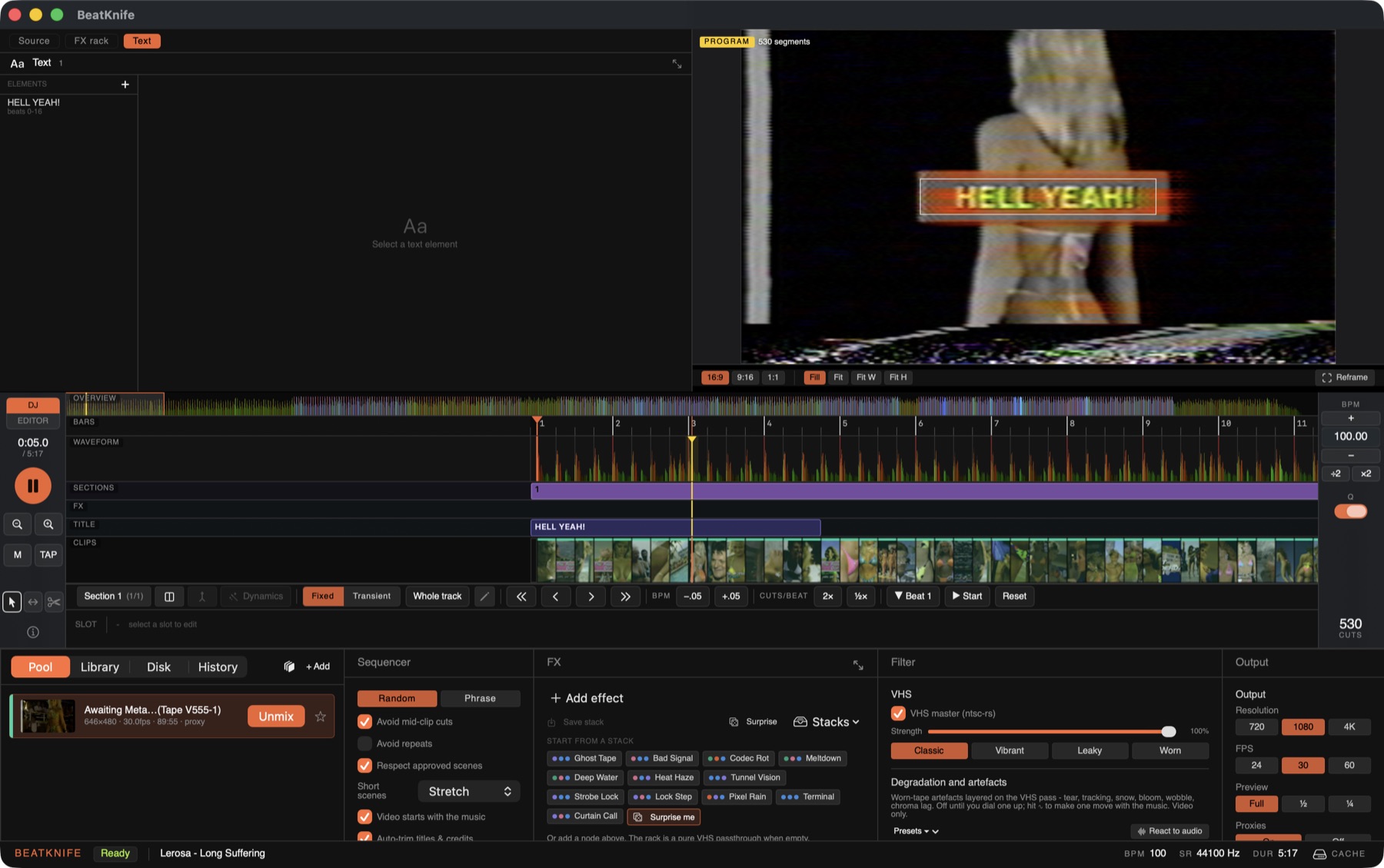
Drag titles onto the picture, give them a stroke and a plate. They snap to the beat like everything else.
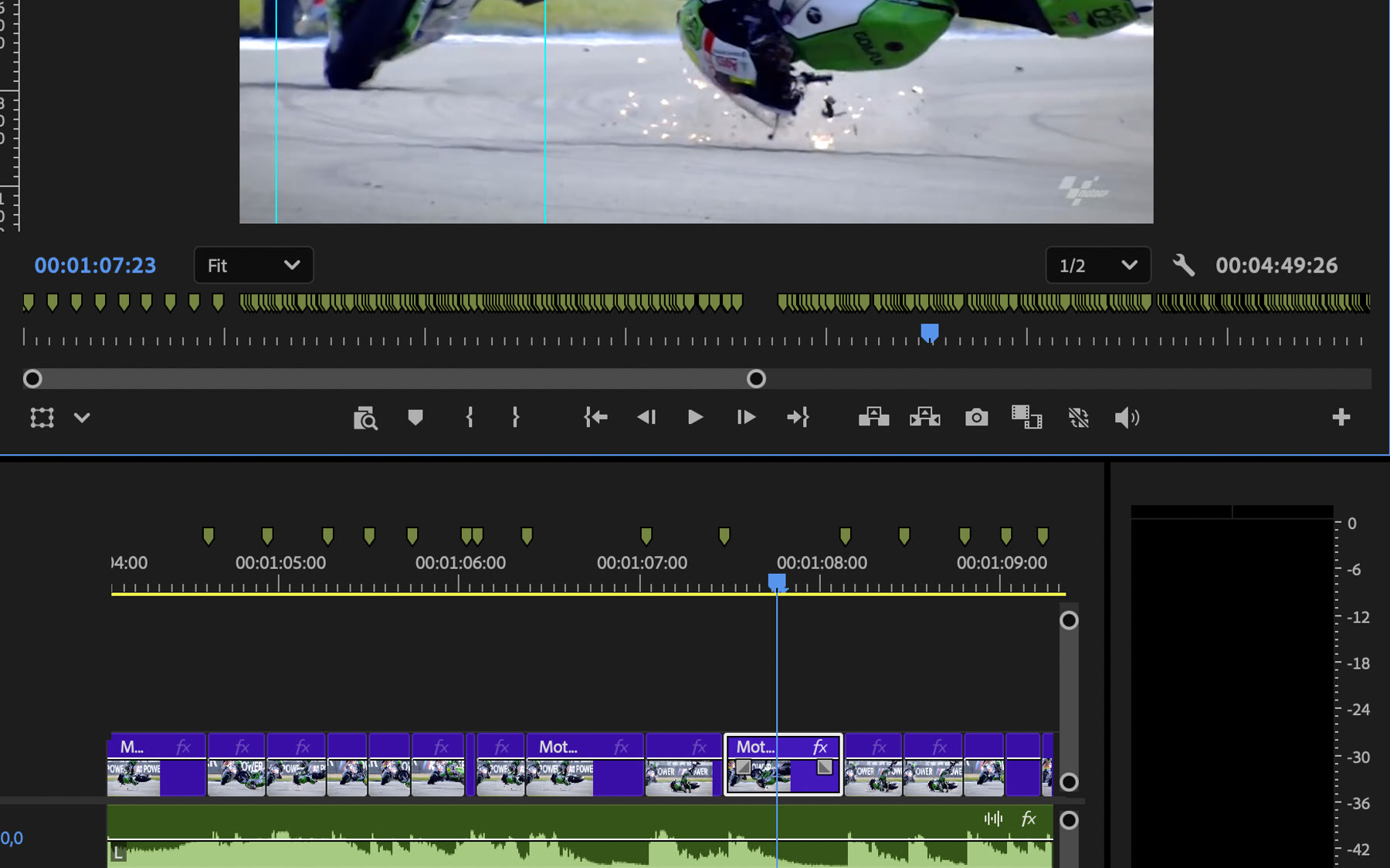
Render an mp4 up to 4K, 16:9 or 9:16, and you're done. Or export XML and open the whole cut in Adobe Premiere, a marker on every beat.
Free while it's in beta.
Join the beta