Sources
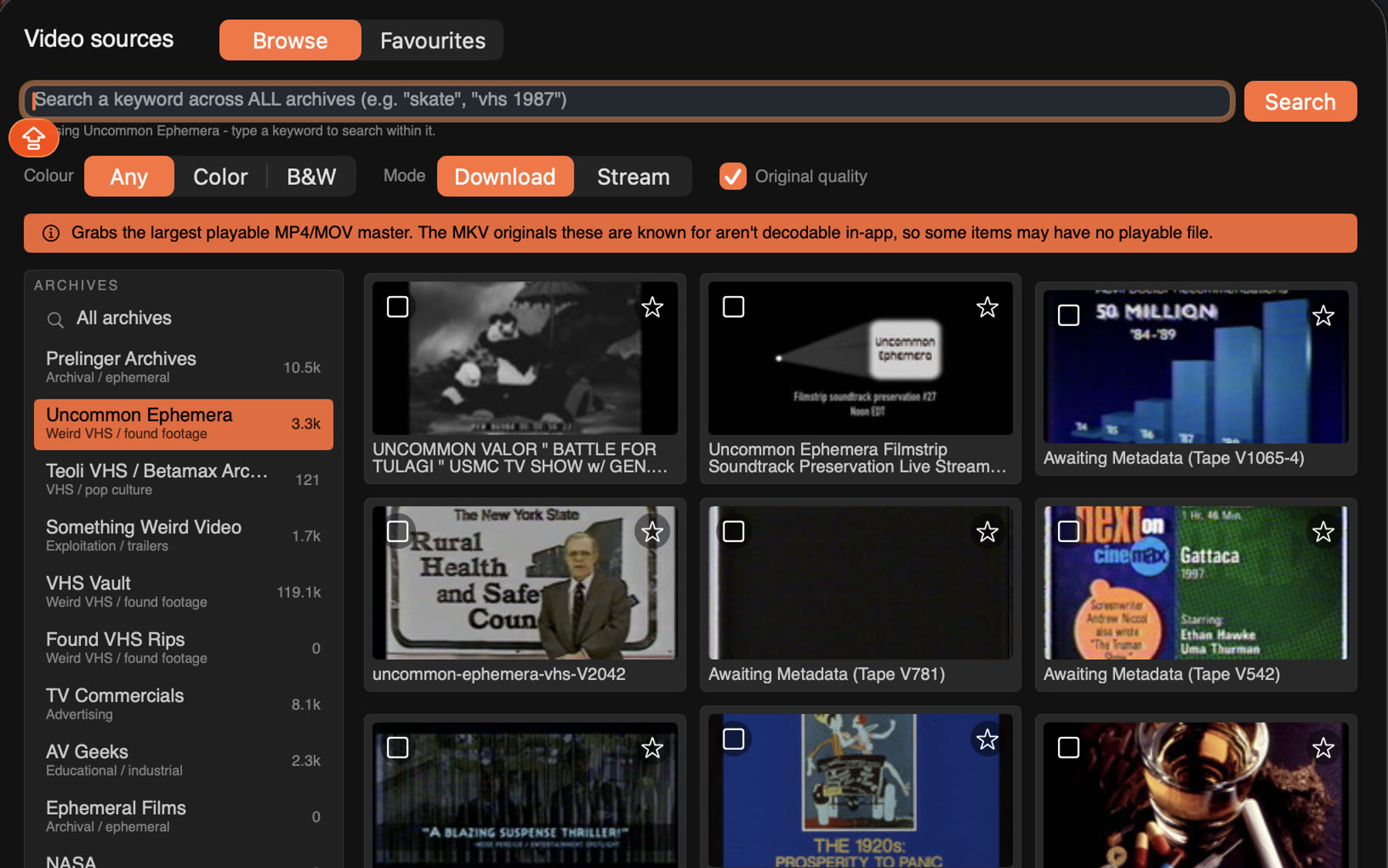
Dig through archive.org
Bring your own video, or search the public archives from inside the app. Can't decide? Add random.

Drop in a track and some footage. Beatknife cuts it to the beat.
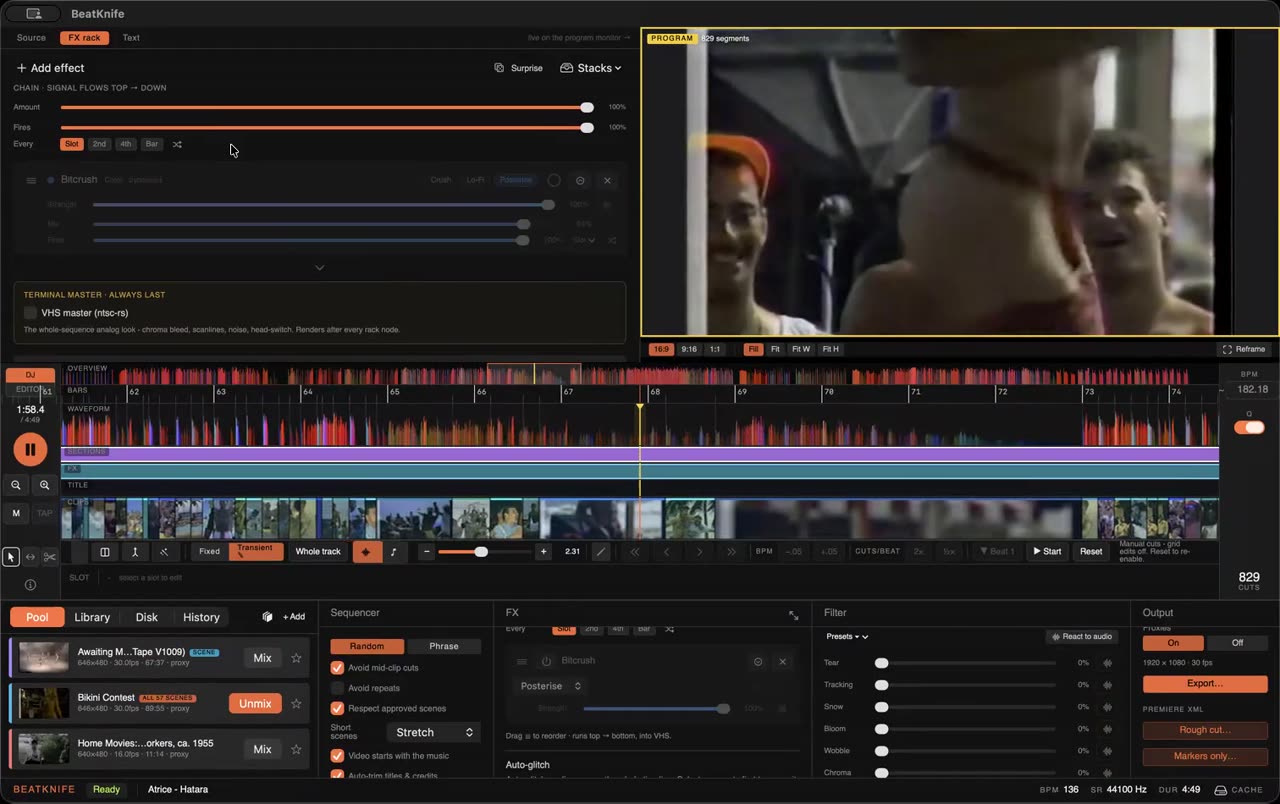
The whole instrument, mid-reroll. No sound.
How it works
It finds the tempo and the downbeats, like your DJ software would, and lays a grid over the song.
Your own footage, or anything from archive.org, straight from the app.
One click fills every slot. Hate a cut? Reroll it.
Stack VHS, glitch and weirder things. Fire them every slot, every bar, or hit Surprise me.
Render an mp4 up to 4K, or open the whole cut in Premiere as XML.
Bring your own video, or search the public archives from inside the app. Can't decide? Add random.
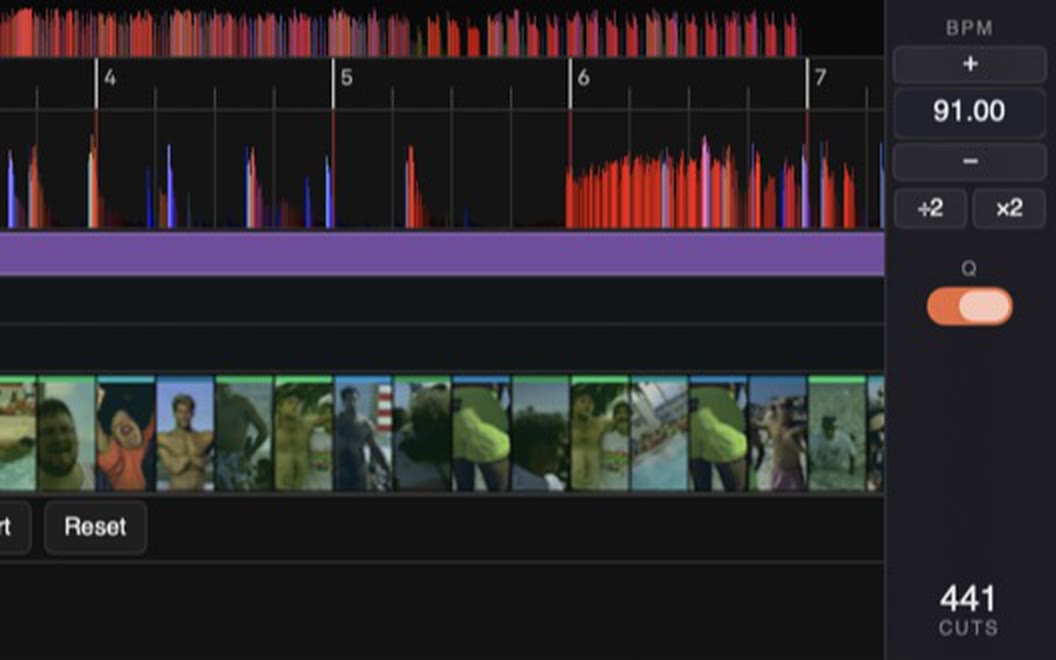
Scenes dealt into every slot of the track in under a second. Hate a cut? Reroll it.
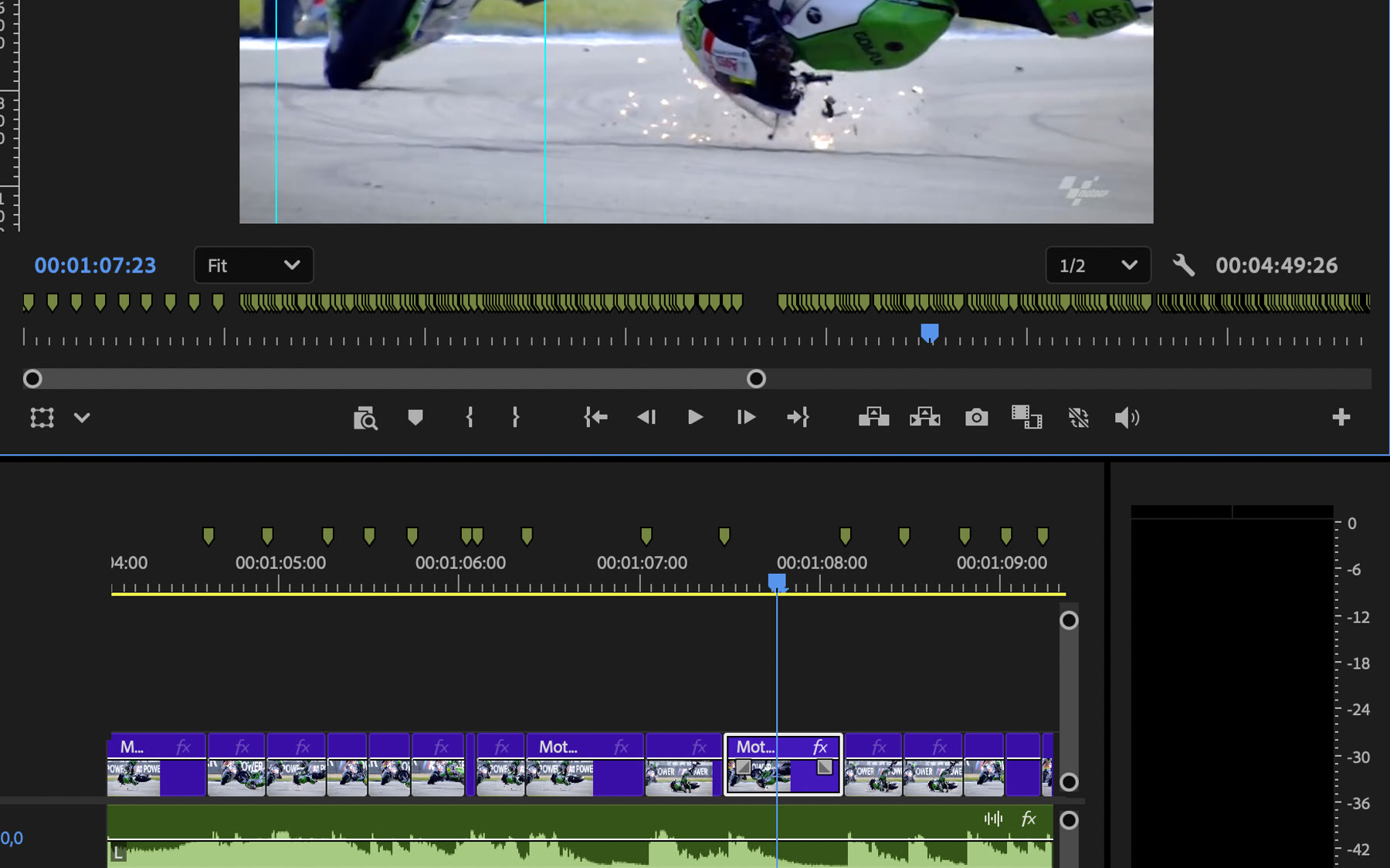
Render an mp4 up to 4K, or hand the whole cut to Premiere as XML, a marker on every beat.
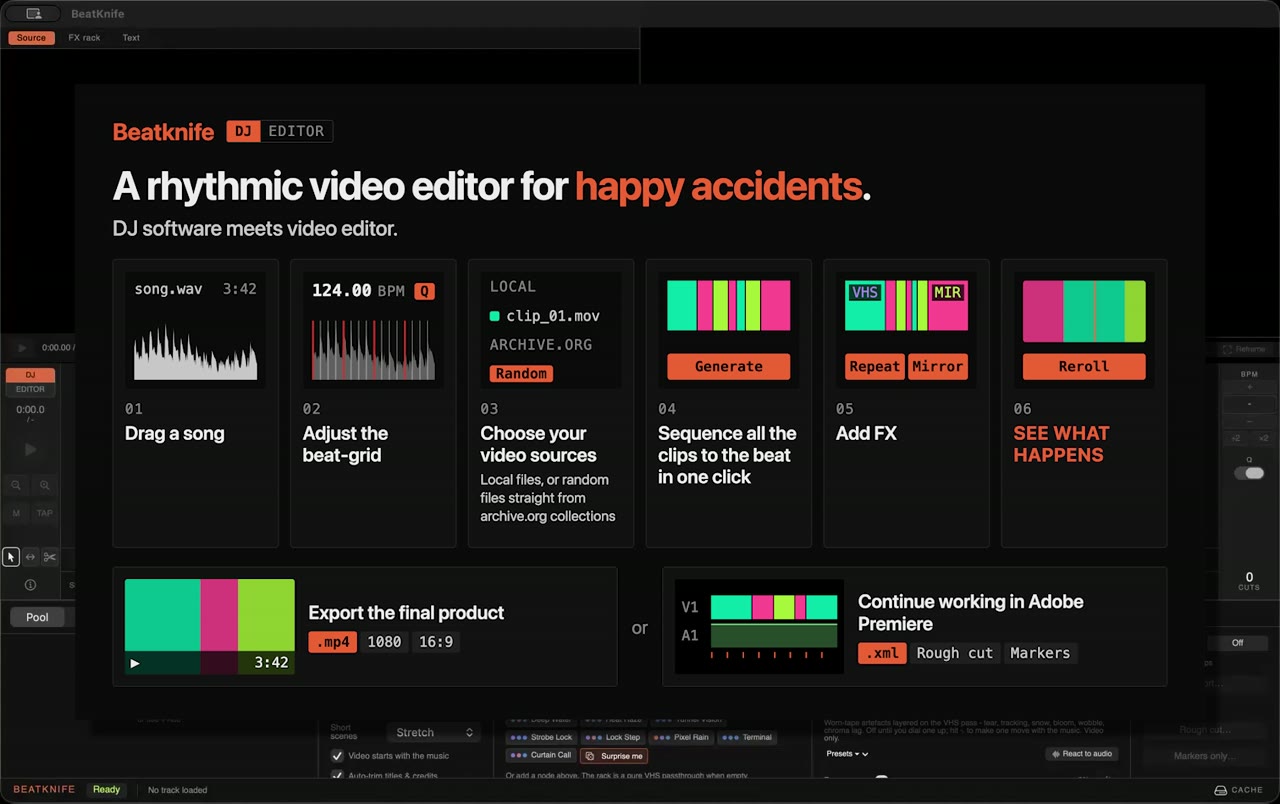
One track, one tape, all the way to a finished video and on into Premiere. Sound on.
Exports straight out of the app, untouched.
Free while it's in beta. All we ask back is feedback.
Join the beta