Drop in a track and footage. Beatknife finds the beat and cuts to it. Then you play: reroll, mix scenes in and out, bend speed, stack VHS and glitch, lay titles on the grid.
Check your inbox
Your link is on its way to . Open it on the Mac you'll install on.
Not there in a minute? Look in spam, or send it again.
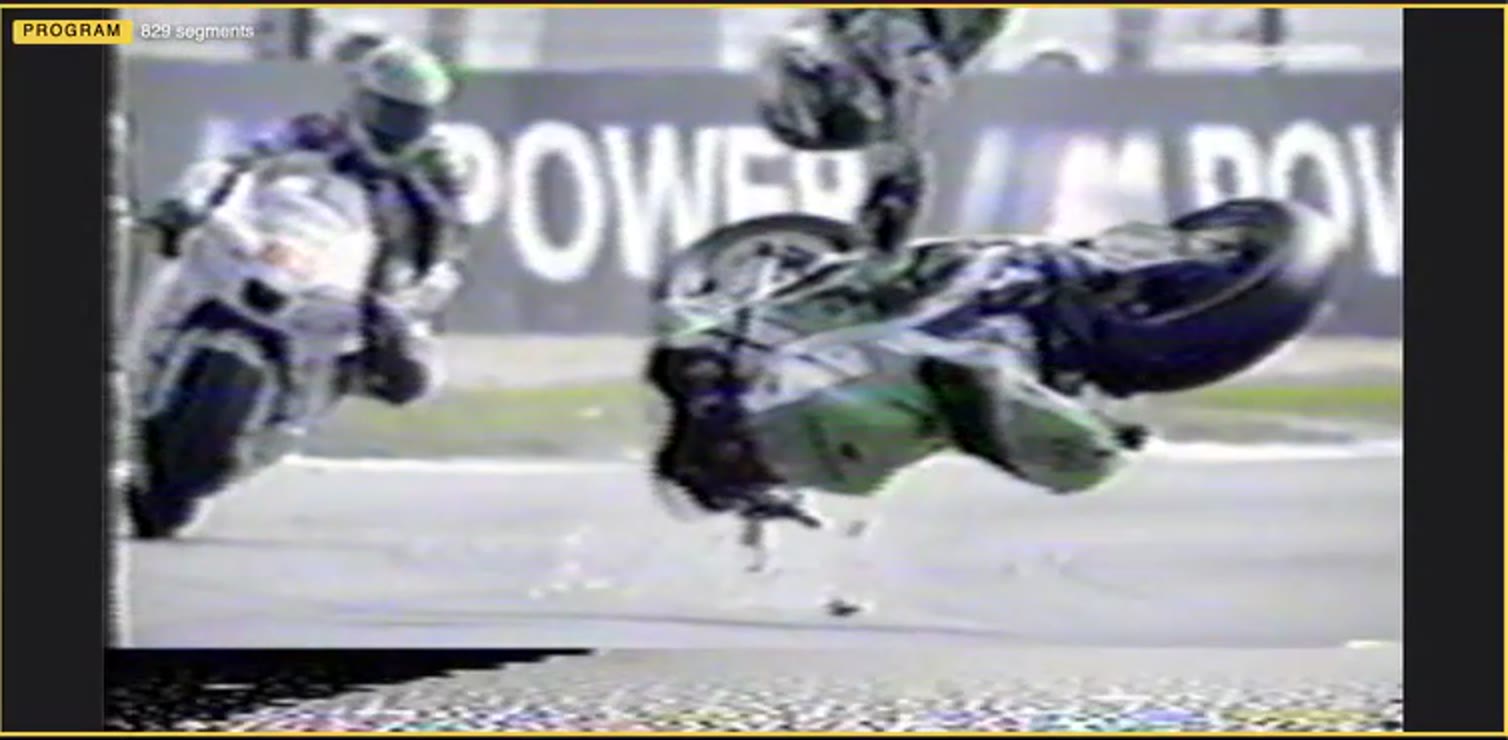
Program829 segments
1:10.8
Straight from the program monitor: a MotoGP tape, the VHS master, a bitcrush firing every slot. No sound.
Gallery
Four exports, untouched after Beatknife. Sixty-second excerpts, sound on.
16:9
A MotoGP tape cut to a track. Clean pass, no FX.
16:9 · VHS
The same cut through the VHS master.
9:16
A vertical cut for phones. Same instrument, 9:16 output.
16:9 · Notes grid
Cut on a Notes grid, so the edits follow the melody. Ghost Tape stack, VHS master.
Features
Track in, video out, in seven moves
Sources
01
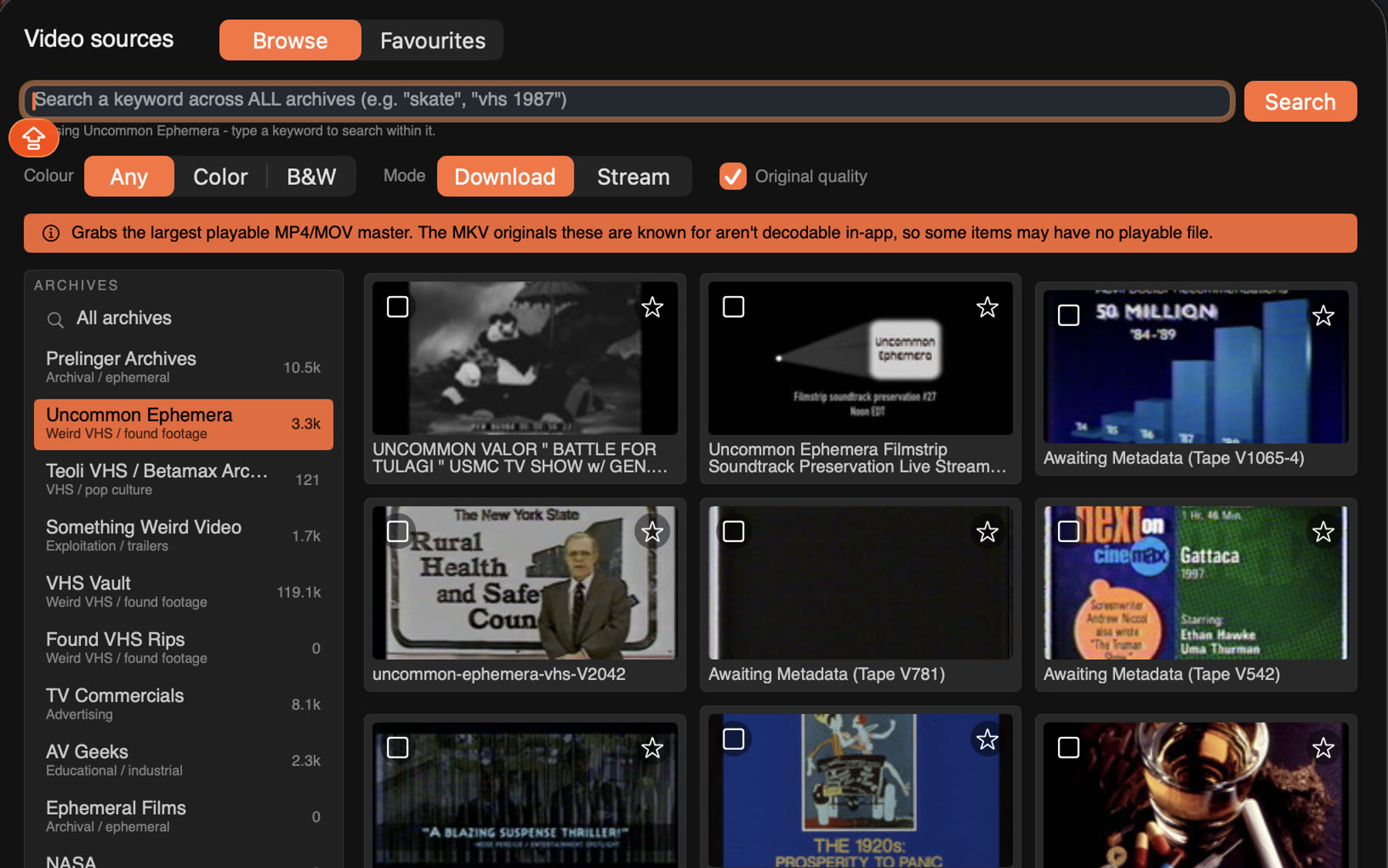
Dig through archive.org
Bring your own video, or search the archive.org catalogue right from the app and load tapes straight in. Can't decide? Add random.
Scenes
02
Keep the weird bits
Trim the best seconds of any tape into scenes, star the footage you love, tag it so the sequencer knows what to pull.
Grid
03
DJ software-like beat detection
Drop a track and it finds the tempo, the downbeats and the transients, like your DJ software would. Cut to the drums or follow the melody. Tap or nudge when it's off.
Sequencer
04
Your whole video done in one click
The sequencer deals scenes into every slot of the track in under a second. Hate a cut? Reroll it. Love one? Keep it.
FX
05
Fuck around and find out
Effects, filters and mutations. Stack them, fire them every slot or every bar, or hit Surprise me.
Ghost TapeCodec RotMeltdownSurprise me
Text
06
Have something to say? Write it down.
Drag titles onto the picture, give them a stroke and a plate. They snap to the beat like everything else.
Premiere
07
Finish it in Premiere. Or don't.
Render an mp4 up to 4K, 16:9 or 9:16, and you're done. Or export XML and open the whole cut in Adobe Premiere, a marker on every beat, every cut where you left it.
.mp44K9:16.xml
Beatknife demo
Most editors make you place every cut. Beatknife starts from the music: it finds the beat, builds a grid and deals footage into it. Your job is taste: which scenes, which effects, where the titles go. Everything stays locked to the beat while you change your mind. Native, with real-time VHS and glitch on the GPU. Apple silicon only, for now.
14:49
Fifteen minutes, start to finish, through to Premiere. Sound on.
For developers and beta testers
Beta testers
Free and private. Leave your email at the top and we send a personal link; updates arrive inside the app. What we ask back is feedback: the Feedback button in the app sends it straight to us, screenshot and all. Blunt is good.
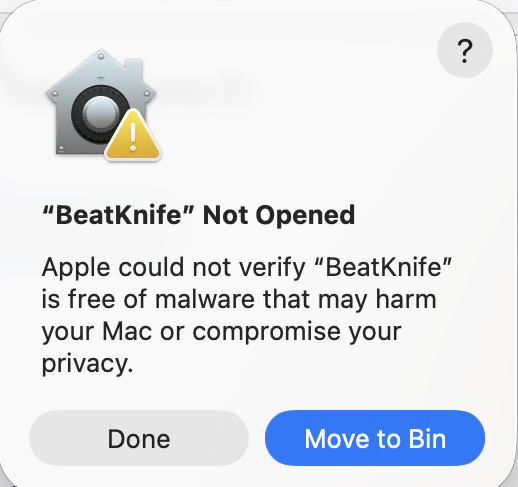
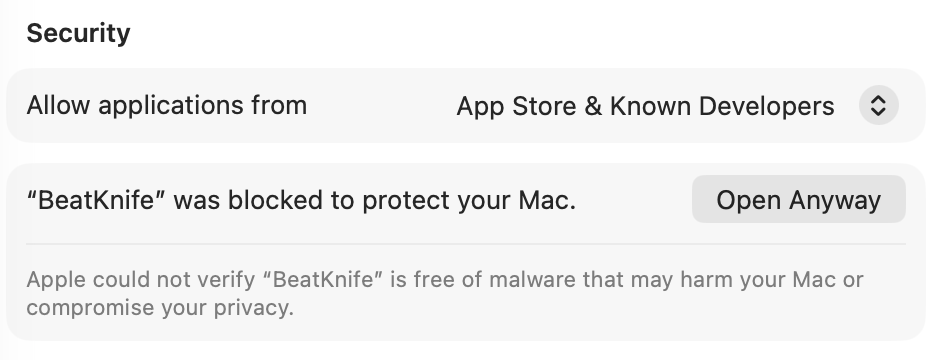
The row shows only after step 2, and only for a while; if it's missing, open Beatknife again. Once per install; updates never ask again.
Apple silicon only for now, macOS 14 or later. Bookmark your link; it always serves the latest build.
Make something
Take a track you love and whatever footage is around, and cut a video. Short is fine.
Fair warning: it's experimental, with rough edges. Updates land in the app on their own.
Version history
Loading…
Developers
A native Mac app, built as an instrument first. What's under the hood, and where it could go.
Stack
Swift, Metal and a bit of Rust
About 39,000 lines of Swift (SwiftUI, AppKit where needed, AVFoundation), a thousand lines of Metal shaders through MetalPetal, and ntsc-rs in Rust for the VHS pass. macOS 14 or later; Apple silicon only, for now.
Size
Why the download is 78 MB
Not the code: the binary is under 20 MB. The rest is four reels of real VHS noise the analogue compositor samples as it goes, so no two passes look alike.
Grid
How it finds the beat
Its own analysis, offline: an onset curve, a tempo fitted to the kicks, a downbeat vote with a backbeat filter that keeps snares off the one. Tap tempo and nudges for the rest.
Playback
Proxies and the monitor
Every tape gets a 720p HEVC proxy with a keyframe every half second, so cutting between dozens of long files on every beat stays smooth. Export reads the originals.
Beta loop
This page and the updater
One Cloudflare Worker with D1 and R2. Mailed sign-ups behind a bot check. Updates are a signed manifest the app verifies with a key it carries. No account, nothing sent but a version ping and the feedback you choose.
Next
Things to explore
Live audio input for VJing: the grid locked to the room, not a file.
Clock sync: MIDI or Ableton Link.
A universal build for Intel Macs.
XML import and autosave, so a cut is never lost.
More trig language: A:B conditions, per-effect dice, cold resets.
Open source: we'd like Beatknife to belong to a community, once the beta settles.


 Sources
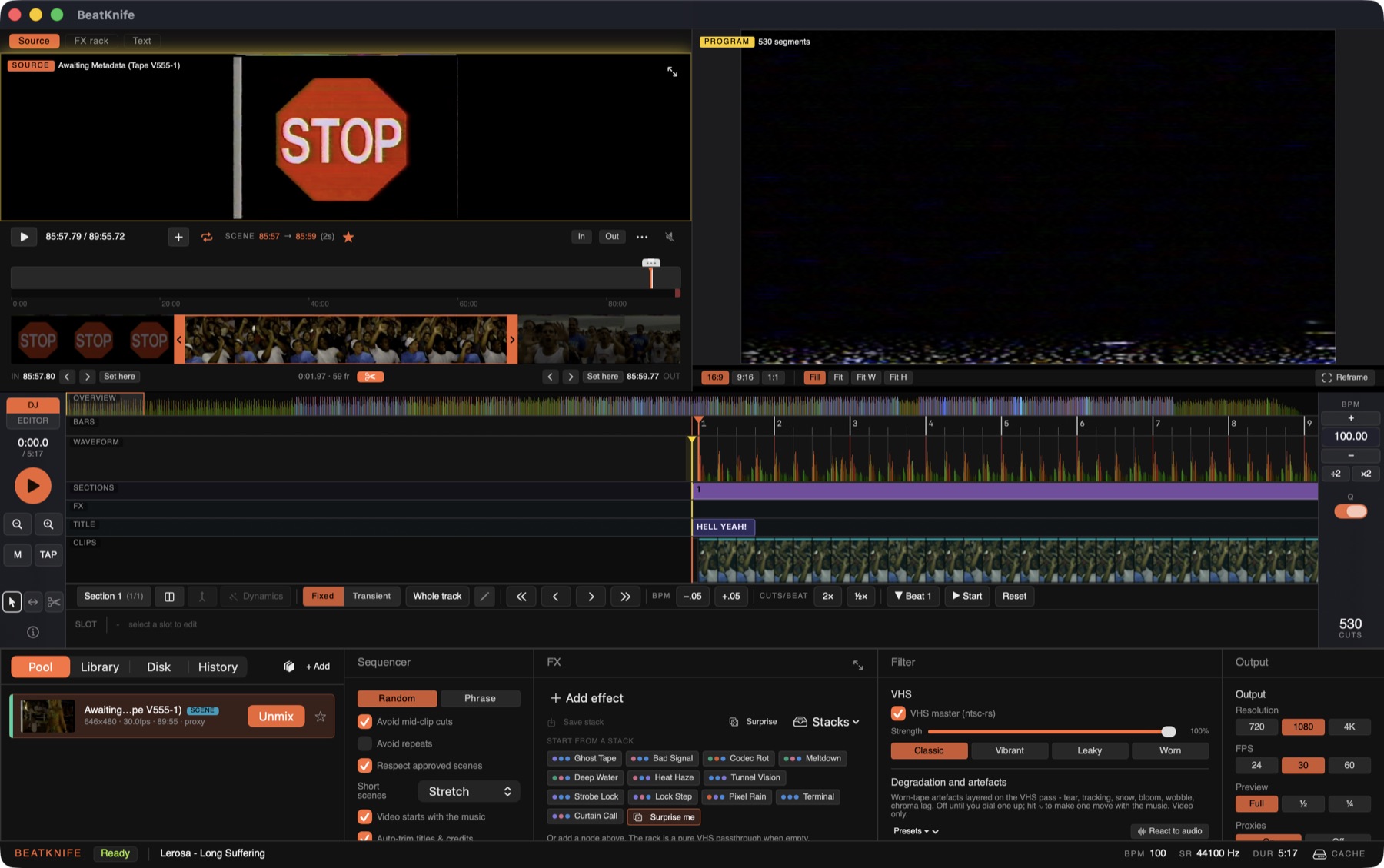 Scenes
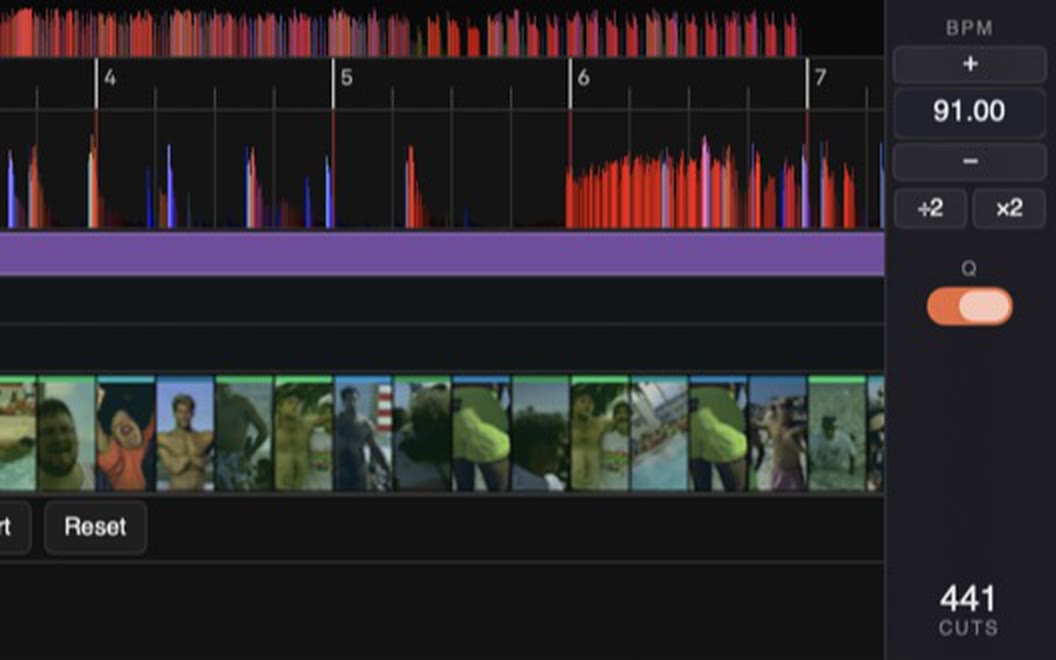 Grid
Grid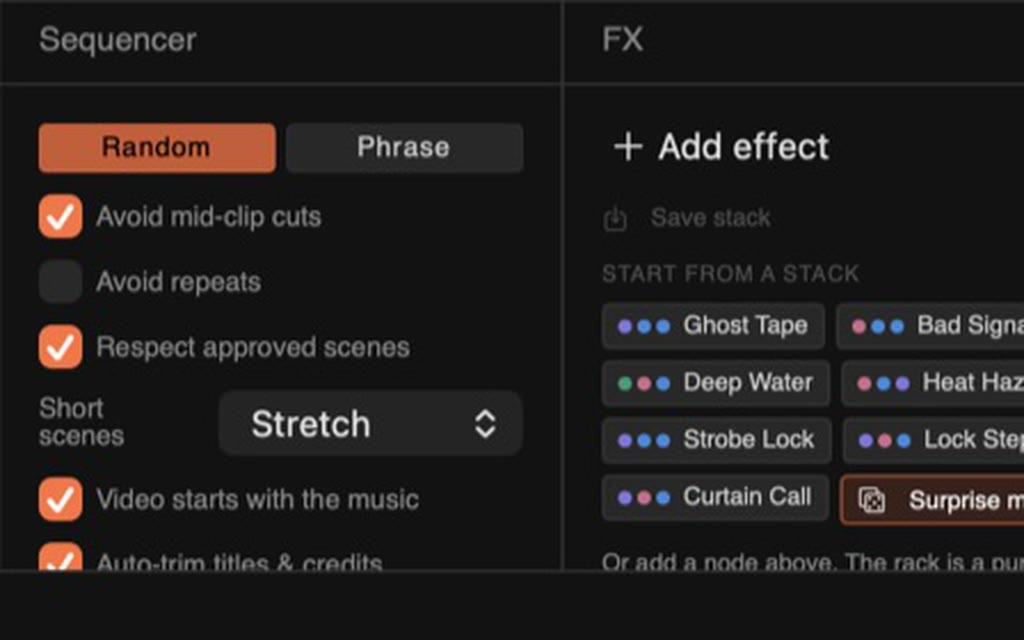 Sequencer
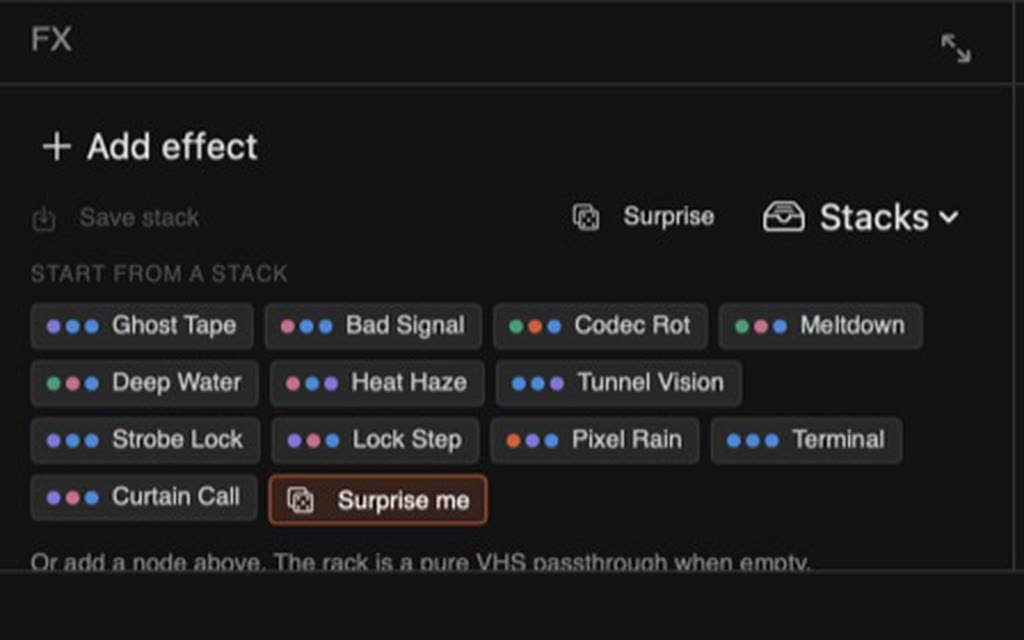 FX
FX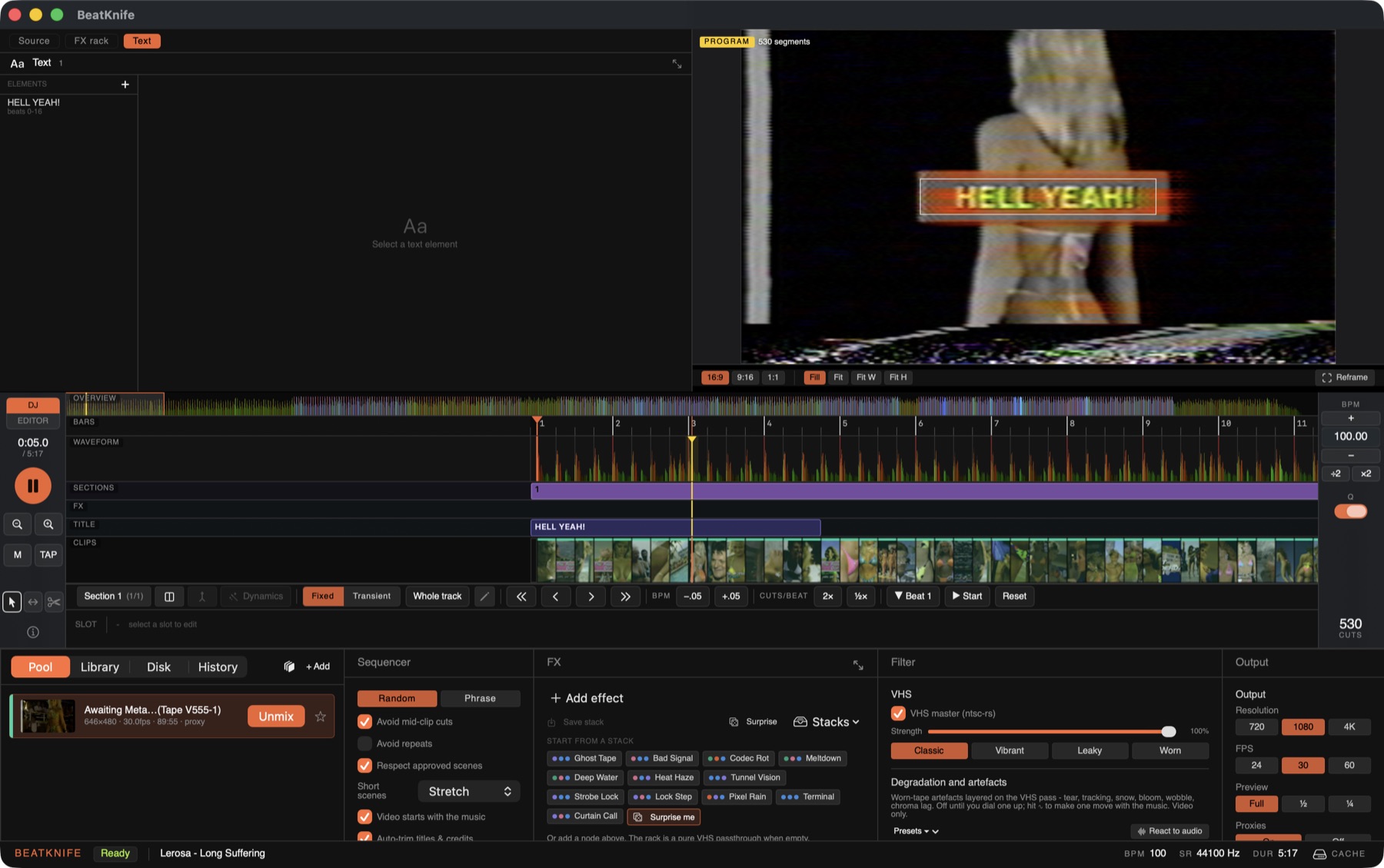 Text
Text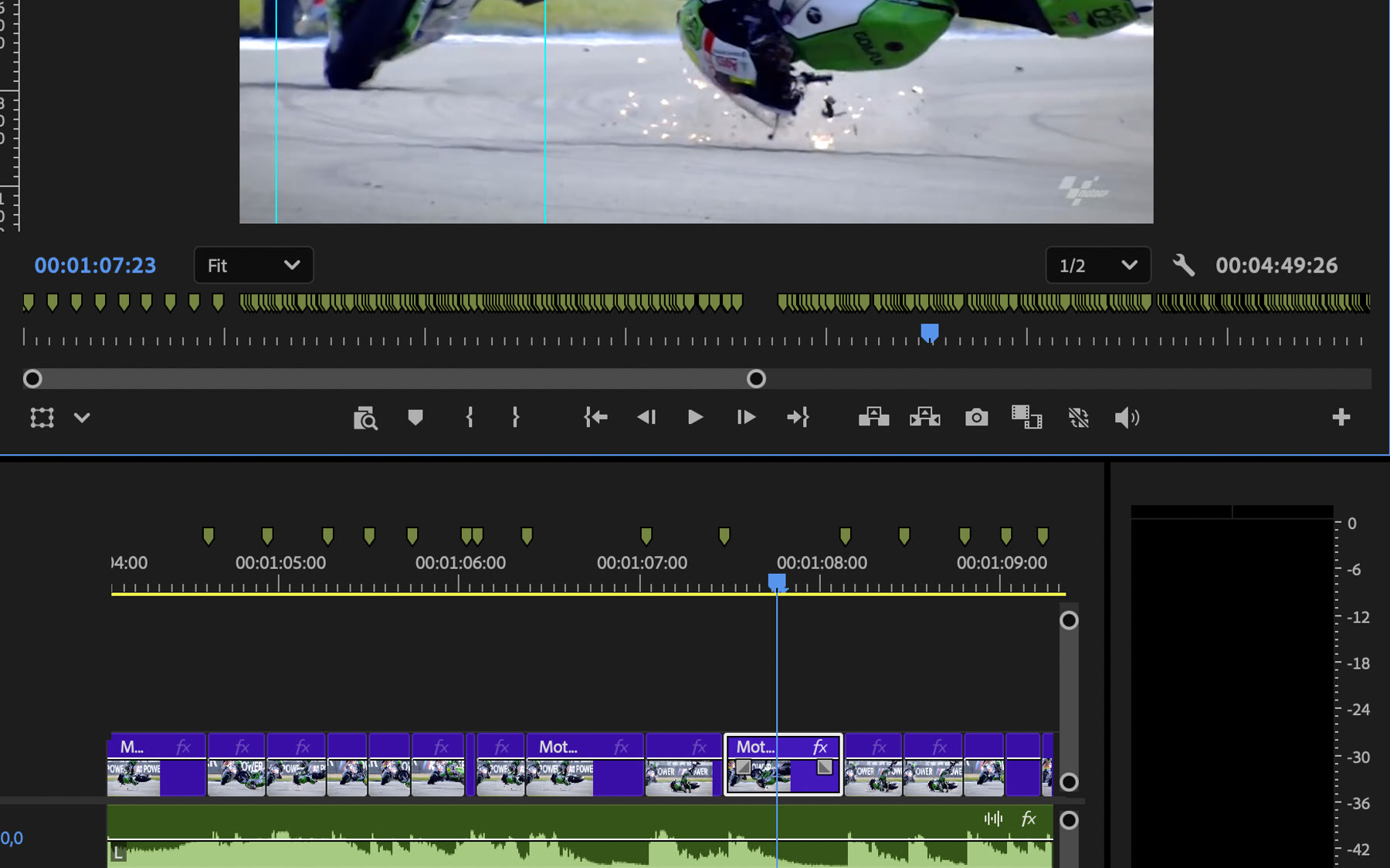 Premiere